




Consultants & coaches
Discovery calls, coaching sessions, and consultations booked straight from your website, proposal, or email signature.
Online booking software
Give clients a booking link, let them pick a time you're actually free, and get every appointment confirmed and added to your calendar - automatically. No more back-and-forth emails.
 Free plan, no card
Google, Microsoft & Zoho sync
Live in 2 minutes
How it works
Set it up once in a couple of minutes. After that, clients book themselves - day or night.
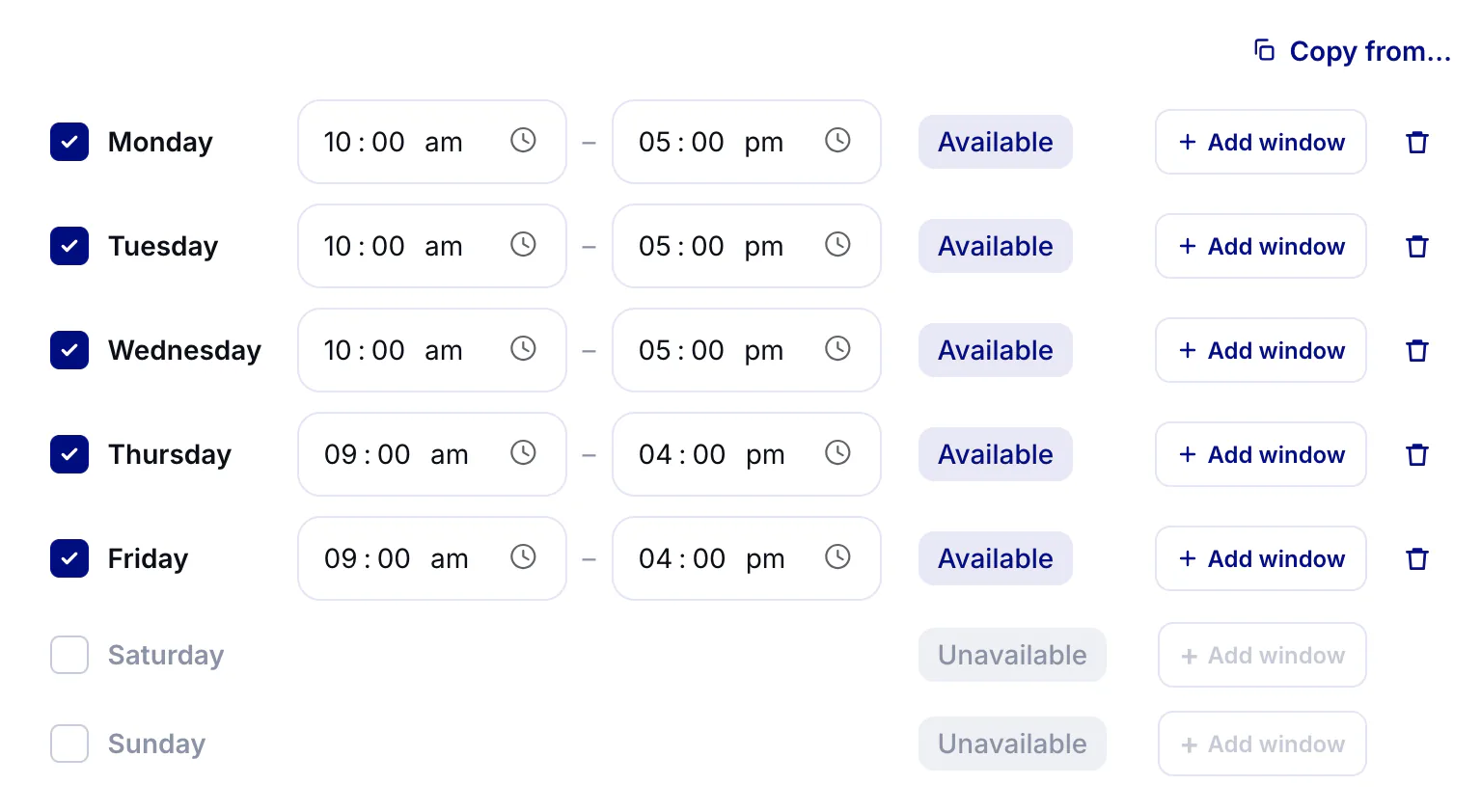
Choose the days and hours you take appointments. Freeslot checks your calendar so only genuinely free slots show up.
Send it by email or WhatsApp, add it to your website or social bio, or print the QR code for your front desk.
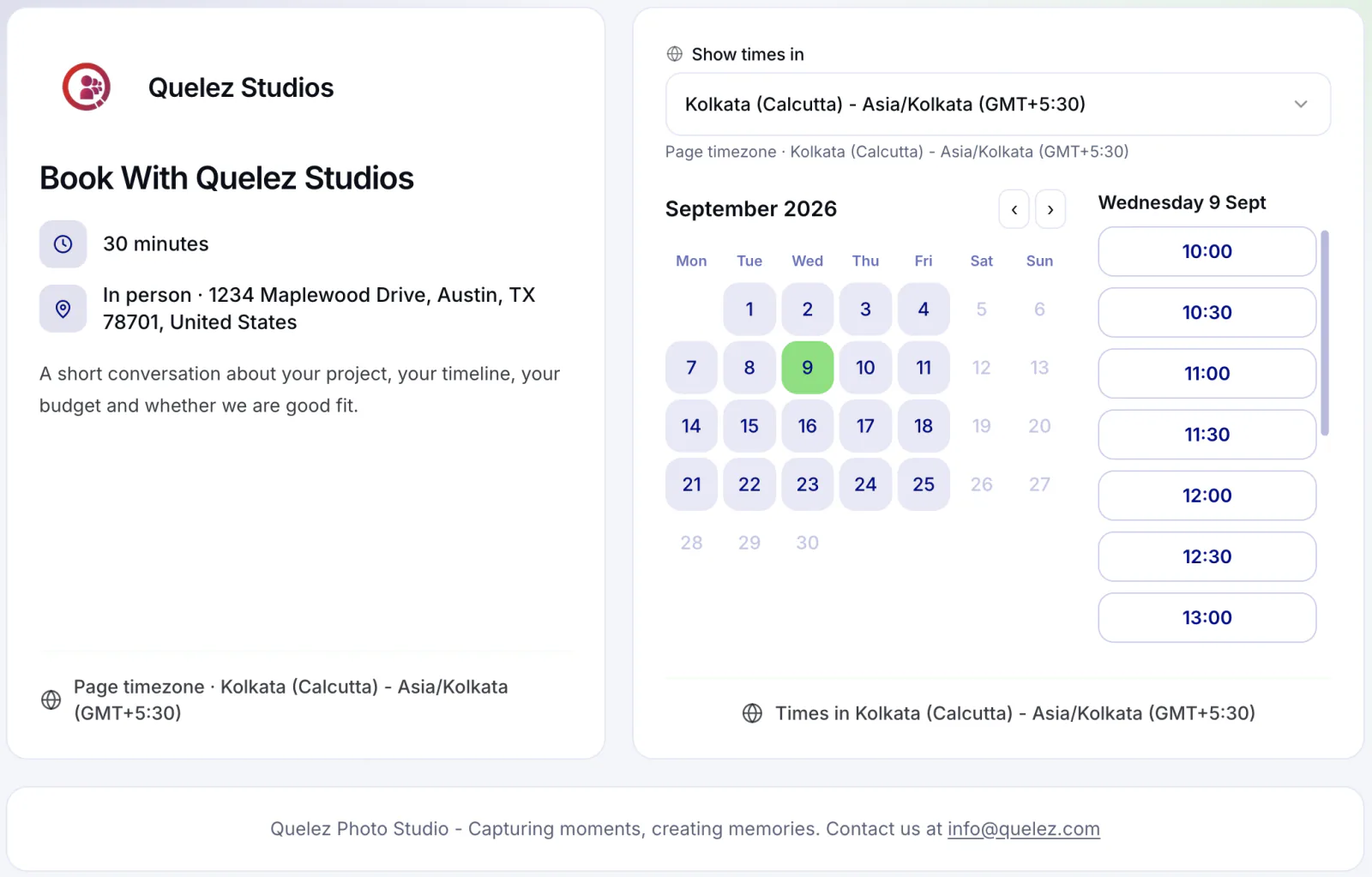
Clients pick a time in their own time zone. You both get a confirmation, and the appointment lands on your calendar.
Availability
Freeslot turns your working hours and rules into bookable time slots - and keeps them accurate as your calendar fills up.
 Weekly hours, with more than one window per day
Breaks between appointments, so nothing lands back-to-back
Minimum notice and how far ahead clients can book
Blackout dates and per-date hours for holidays and one-off days
Automatic time zone detection for every client
Copy availability from another booking page in one click
Booking links
Your booking page is a front desk that never closes. Clients book 24/7 without calling, texting, or waiting for you to reply.
Share it anywhere - email signature, WhatsApp, social bio, or a
printed QR code
Embed booking on your own website
Paid plans
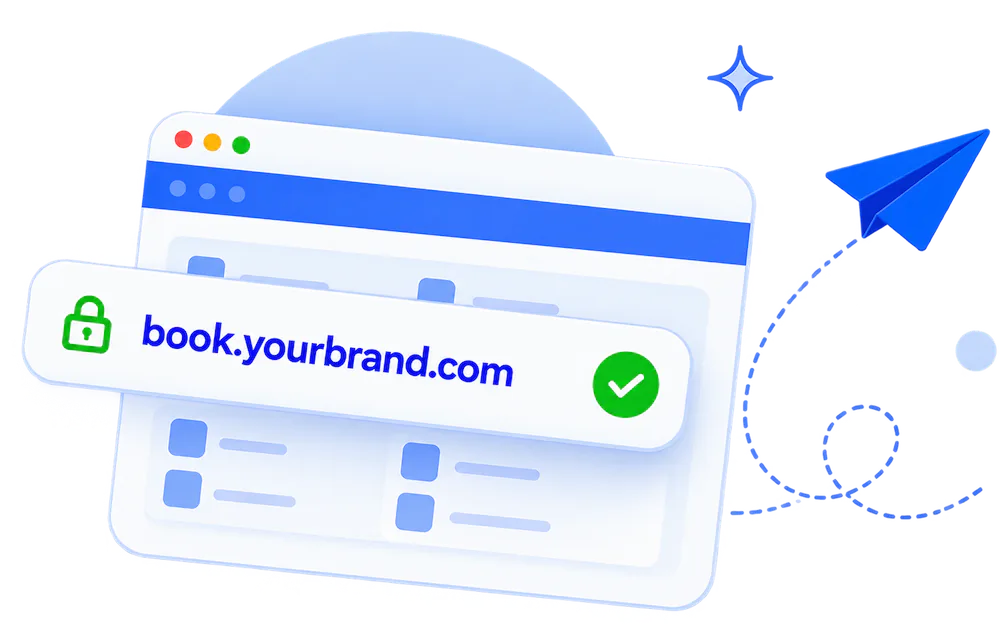
Your own domain, logo, and brand colors
Higher plans
Let clients pick a service - haircut, oil change,
consultation - as they book
Professional
Add where you'll meet - an address, a phone number, or a video
link
Confirmations
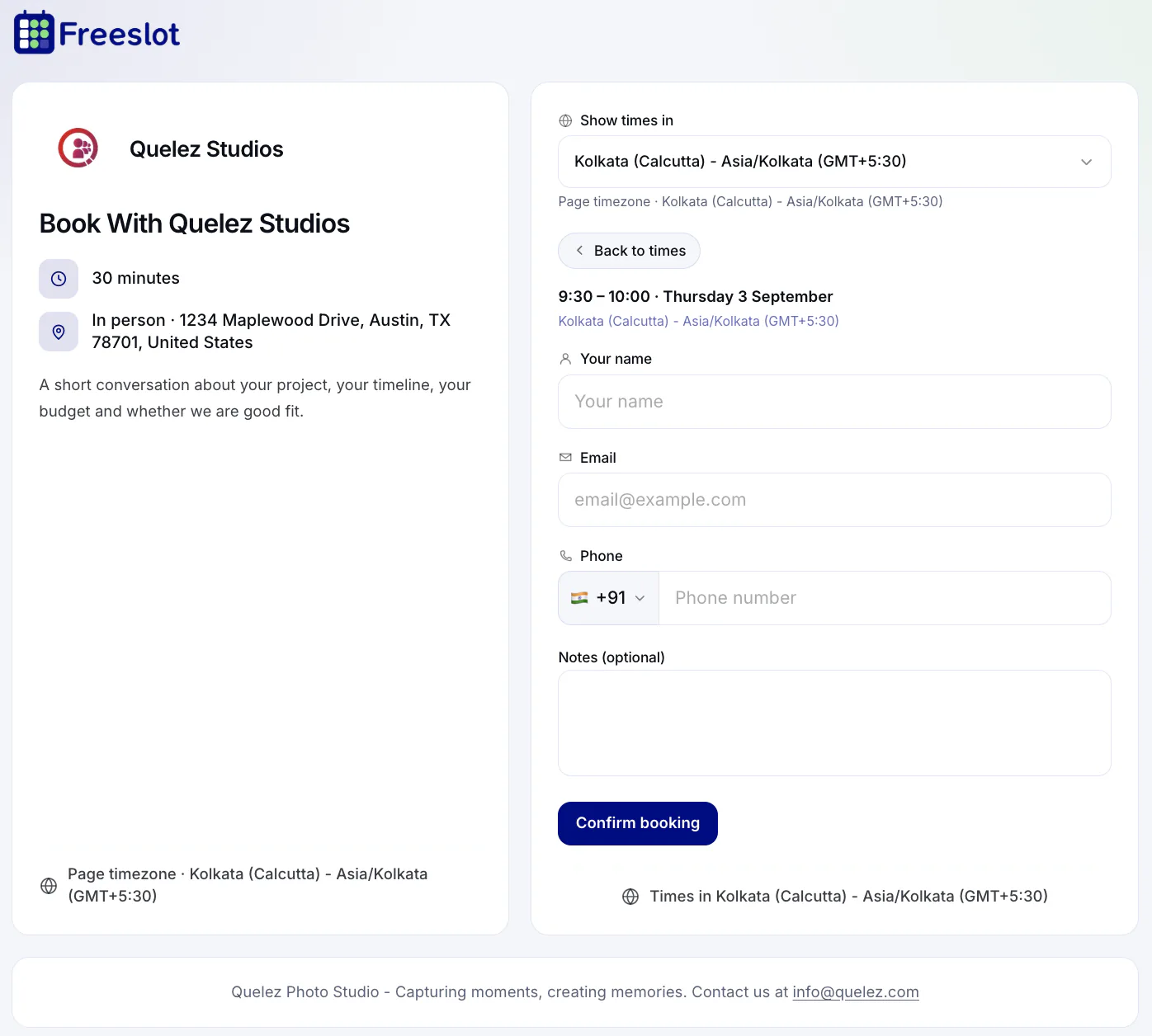
The moment a client books, everyone has the details. No manual follow-ups, no lost messages.
Instant confirmation emails for you and your client
The appointment is added to your connected calendar
Clients get a manage link to cancel if plans change - and you're
notified
Send confirmations from your own email address
Higher plans
Every appointment in one list - search, filter, cancel, or mark
no-shows
Calendar sync
Connect Google Calendar, Microsoft Outlook / Office 365, or Zoho Calendar. Freeslot reads your busy times before it shows any slot, and writes every new appointment back.
Use cases
If people book time with you, Freeslot handles the scheduling - so you can focus on the appointment itself.
Discovery calls, coaching sessions, and consultations booked straight from your website, proposal, or email signature.
Clients choose a service and an open slot any time of day - no phone tag at the front desk.
Oil changes, inspections, and repairs booked by service, so you know what's coming in before the car arrives.
Therapists, physios, and nutritionists offer appointment slots with breaks between sessions built in.
Lessons and personal training booked in each client's own time zone. Running a class? Use group booking.
Interviews and demos routed to the right person from one shared link with team scheduling.
FAQ
Online appointment booking software lets clients book time with you online instead of by phone or email. You set when you're available and share a booking link. The software shows open slots, takes the booking, sends confirmations, and adds the appointment to your calendar.
Yes. The Free plan includes a booking page and a calendar connection, and you don't need a credit card. Paid plans add more booking pages and calendars, website embed, custom branding, your own domain, and team features. Compare plans.
Yes. Before showing slots, Freeslot checks busy times on your connected Google, Microsoft, or Zoho calendars, and every confirmed appointment is written back to your calendar. Clients only ever see times you're actually free.
Yes. Booking pages detect each client's time zone and show slots in their local time, while your calendar stays in yours.
Clients can cancel from the manage link in their confirmation email, and you're notified straight away. To reschedule, they cancel and pick a new time from your booking page.
Yes. On paid plans, copy the embed snippet from your booking page settings and paste it into any website builder or CMS. Clients book without leaving your site. See website embed.
Yes, on Professional and Teams plans. Add up to 20 services, choose which ones each booking page offers, and the selected services appear in confirmation emails, the calendar event, and your bookings list.
More questions? Visit the Help Center or contact us. New to booking links? Start with how to create a booking link for clients, see what consultants should look for in scheduling software, or learn how to let customers book on your website.


