Free plan, no card




 Workshops
 Webinars
 Office hours
 Demo days

 Training programs
 Study groups
Calendar sync
Two-way sync with Google, Microsoft, and Zoho Calendar - plus sign-in with those accounts. Pick a destination calendar per page, and check busy time across multiple calendars when you need it.
FREESLOT PRODUCT
Personal calls, multi-seat sessions, and recurring series - each with the branding, availability rules, and calendar sync your guests expect.
Get started free01 - One-on-One
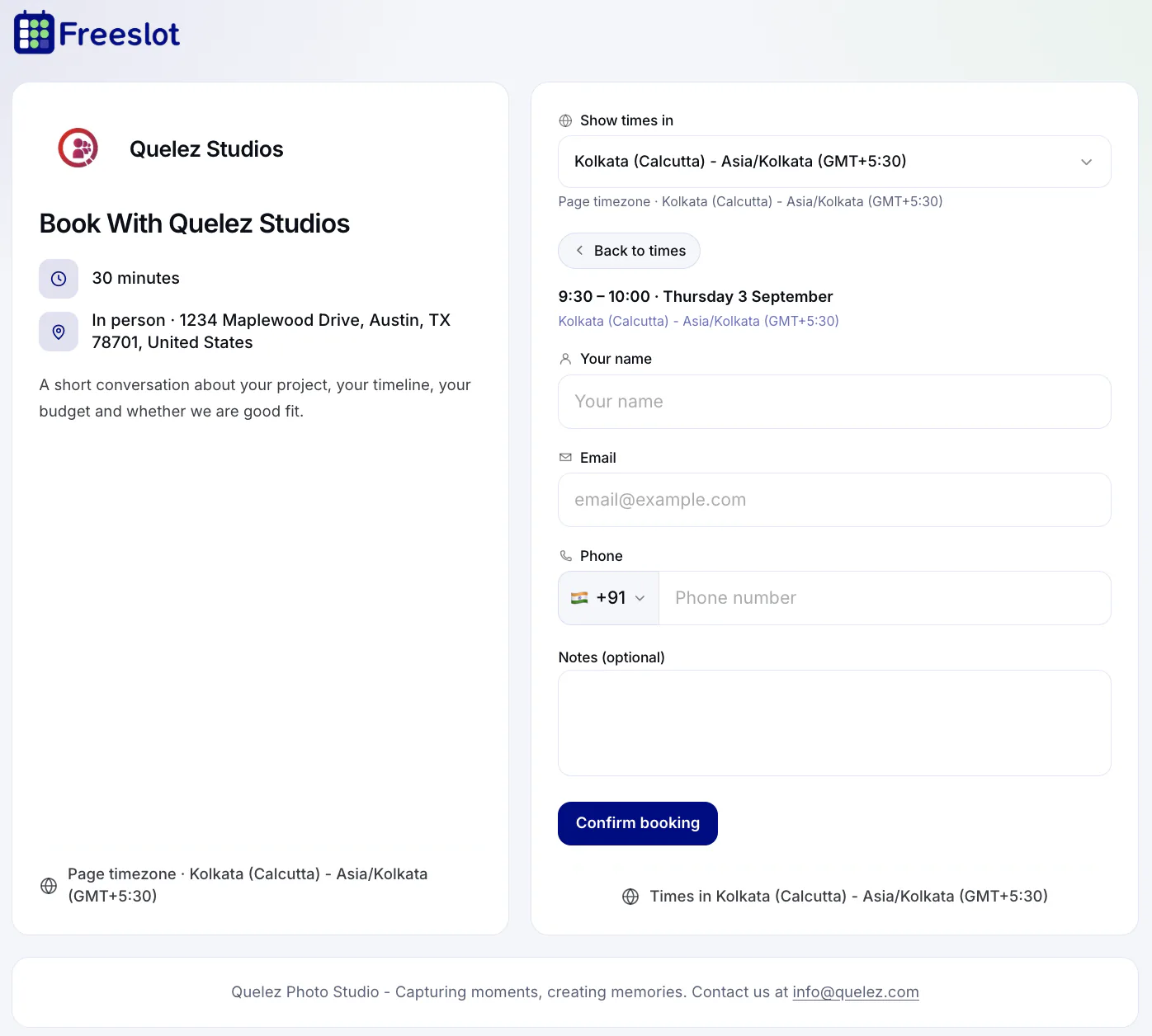
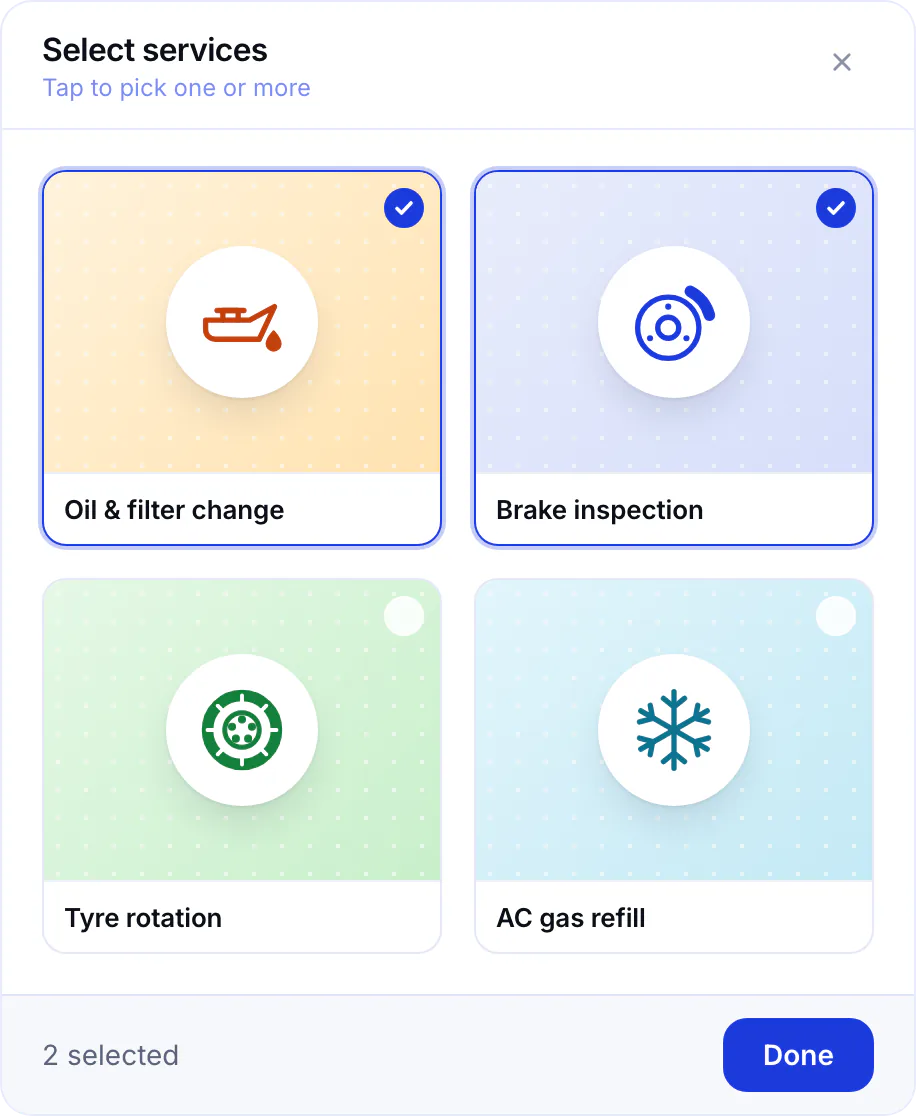
Share one link. Clients pick a time that works - for video, in person, or phone. You stay focused, no more comparing calendars over email.
02 - Group Sessions
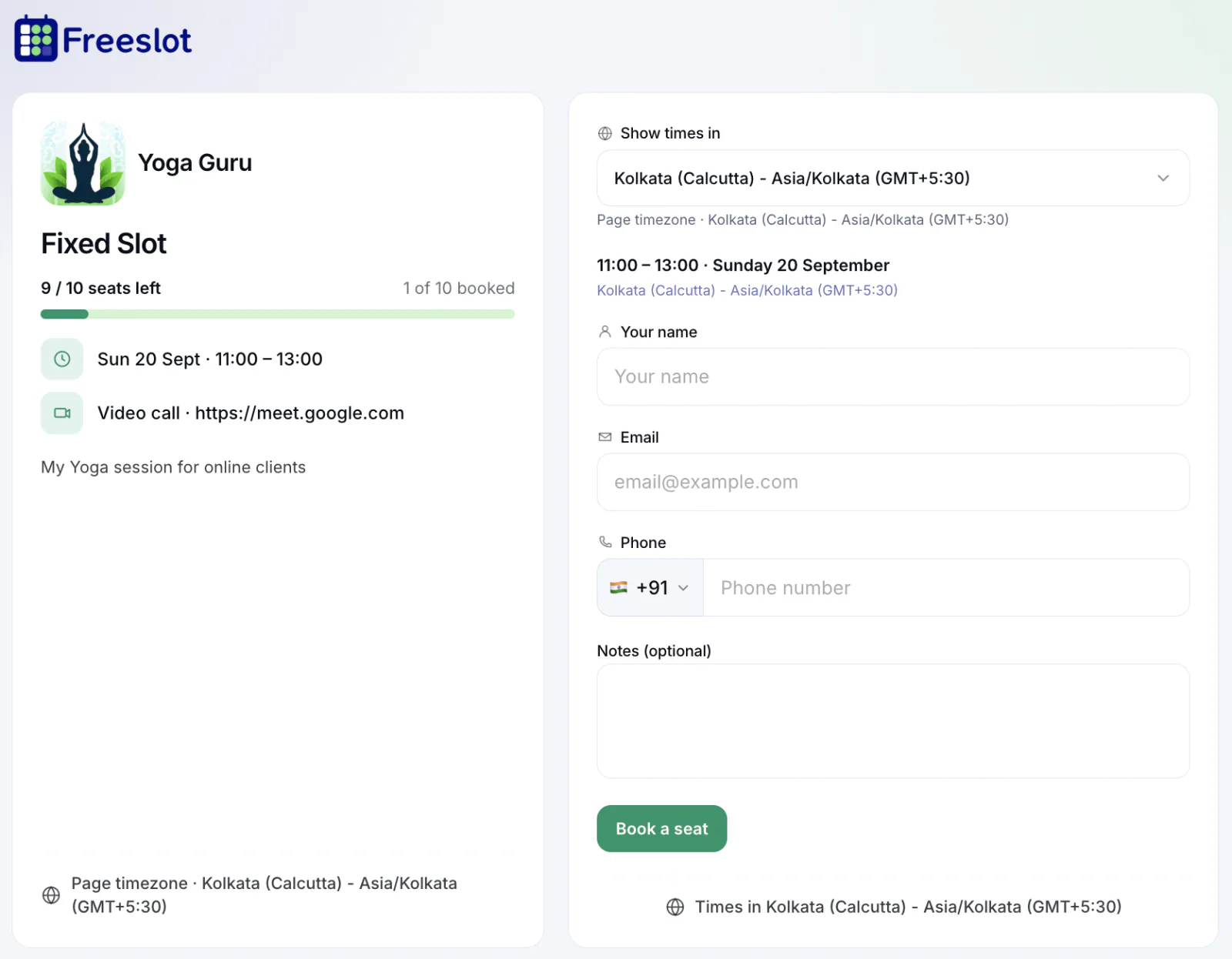
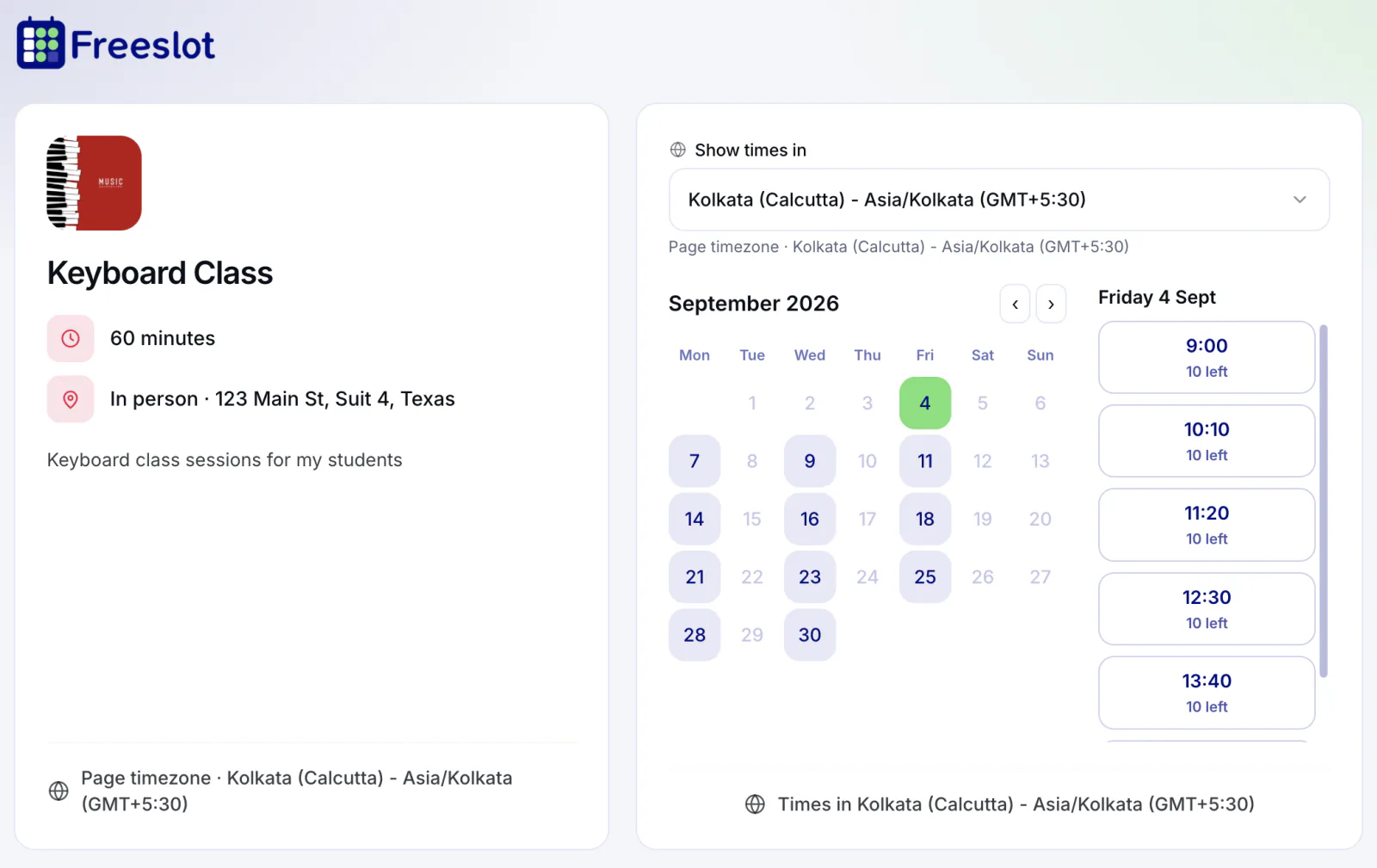
One event, one link, many seats. Set capacity, collect sign-ups, and run workshops or office hours without juggling spreadsheets.
03 - Group Series
Enrol once, attend every week. Perfect for cohorts, classes, and training programs that run on a fixed schedule.
Website embed
Calendar sync, confirmations, branding, and more - no matter which mode you choose.
Two-way sync with Google, Microsoft, and Zoho Calendar - plus sign-in with those accounts. Pick a destination calendar per page, and check busy time across multiple calendars when you need it.
Confirmations go out automatically - and guests get a manage link to cancel if plans change.
Signature, bio, proposal - works wherever you paste it.
Your domain, logo, colors, backgrounds, and email on every touchpoint. Hide pages from search when a link should stay private.
Every link comes with a PNG you can download for cards and print.
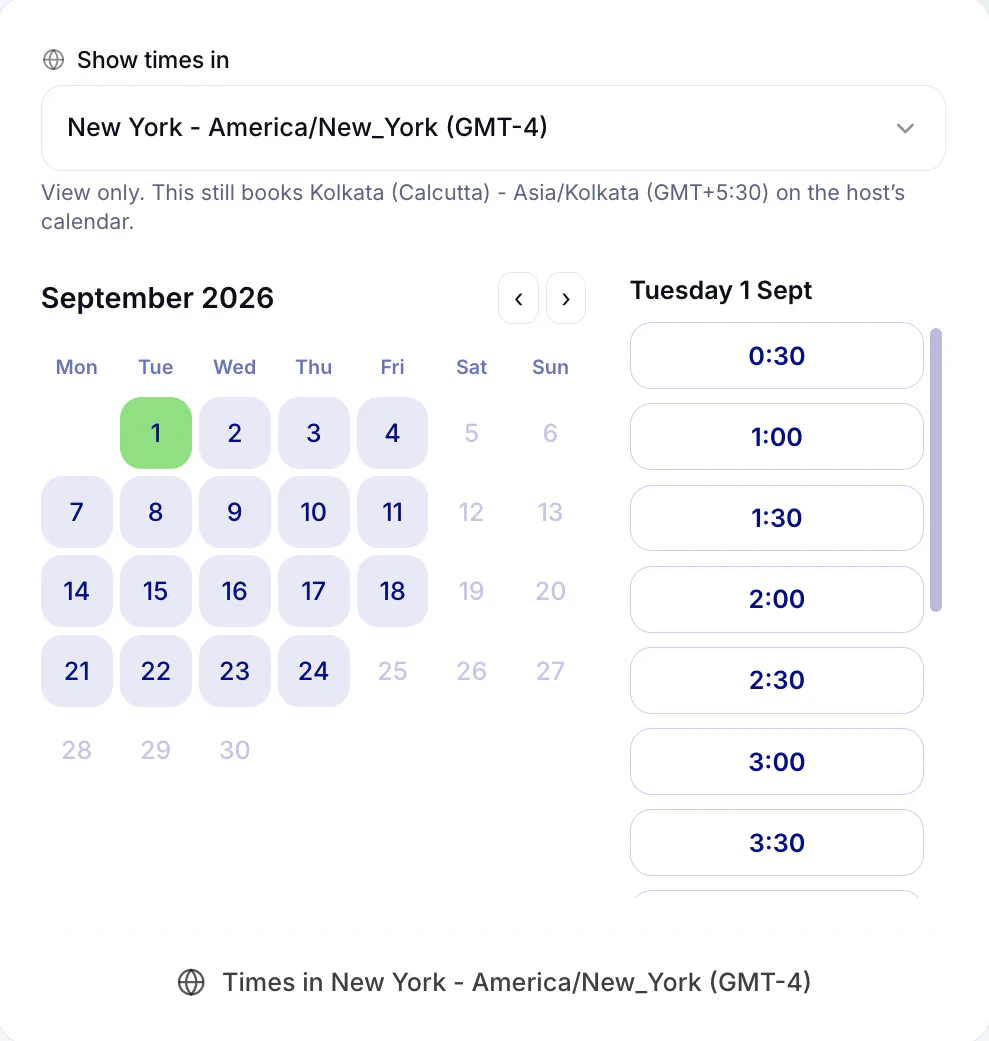
Buffers, notice, blackouts, per-date hour overrides, and working hours you set once - or copy from another page.